Have you ever searched for something on Google and wondered why some websites appear on the first page while others are difficult to find?
The answer often comes down to SEO, or Search Engine Optimization.
If you are new to digital marketing or have recently created a website, learning the SEO basics for beginners can help you understand how search engines discover, understand, and rank web pages.
SEO is not about using keywords repeatedly or trying to trick Google. It is about creating useful content, making your website easy to understand, and helping people find the information they are looking for.
In this guide, you will learn what SEO is, how SEO works, the main types of SEO, important SEO factors, and simple steps you can take to improve your website.
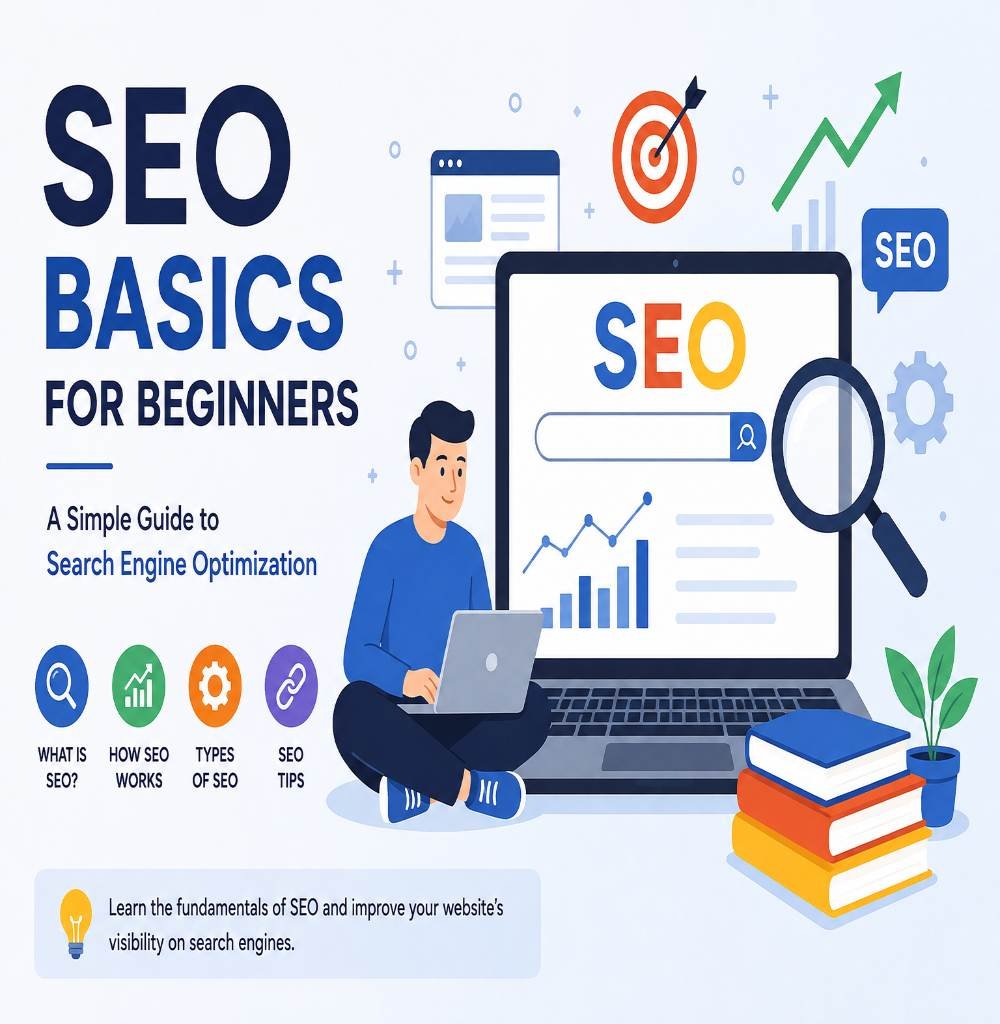
What Is SEO?
SEO stands for Search Engine Optimization. It is the process of improving a website and its content so that search engines can better understand it and users can find it through relevant search queries.
For example, imagine you have a website about digital marketing and publish an article about SEO for beginners.
Someone searches Google for:
“SEO basics for beginners”
If your page is useful, relevant, accessible to search engines, and provides a good experience, it may appear in the search results for that query.
Google explains that SEO helps search engines understand your content and helps users discover your website through search.
However, SEO does not guarantee that a website will automatically reach the first position on Google. Search rankings depend on many factors, and there is no secret trick that guarantees a number-one ranking.
Why Is SEO Important?
Having a website is only the first step.
If people cannot find your website when they search for information, products, or services related to your business, you may miss valuable traffic.
SEO can help you:
- Improve your website’s visibility in search engines
- Attract relevant organic traffic
- Help users discover your content
- Build long-term website visibility
- Improve the overall structure and usability of your website
- Reach people who are already searching for information related to your topic
For example, if you offer digital marketing services, creating useful content around SEO, social media marketing, WordPress, and content marketing can help people discover your website.
How Does SEO Work?
Understanding how SEO works becomes easier when you break it into three basic steps: crawling, indexing, and ranking.
Crawling
Search engines use automated programs called crawlers to discover web pages.
These crawlers follow links and explore websites to understand what pages exist.
If your website is new, it can take some time for search engines to discover and process its pages.
Indexing
After discovering a page, Google analyzes and stores information about it in its index.
The search engine looks at things such as the page content, title, links, images, and other information to understand what the page is about.
If Google can access and understand your page, it may become eligible to appear in relevant search results.
Ranking
When someone searches for something, Google decides which results are most relevant and useful for that particular query.
This is where factors such as relevance, content quality, website experience, and many other signals become important.
That is why simply adding a keyword to a page is not enough.
What Are the Main Types of SEO?
SEO is usually divided into several areas. Understanding these areas is an important part of learning SEO basics for beginners.
On-Page SEO
On-page SEO focuses on elements that you can improve directly on your website.
Some common examples include:
- Page titles
- Headings
- Content
- Keywords
- Internal links
- Image alt text
- URLs
- Meta descriptions
For example, if you are writing an article about SEO basics for beginners, your main topic should be clear from the title, heading, introduction, and content.
Your content should also answer the questions your target audience actually has.
Off-Page SEO
Off-page SEO refers to activities outside your own website that can contribute to your website’s visibility and reputation.
One important example is earning links from other websites.
You can also build your online presence through:
- Digital PR
- Brand mentions
- Relevant online communities
- Useful content promotion
- Social media presence
The goal should not be getting random links. Focus on building genuine visibility and creating content that other people find useful enough to reference.
Technical SEO
Technical SEO focuses on making your website easier for search engines to crawl, understand, and access.
Important areas include:
- Website speed
- Mobile usability
- HTTPS
- Crawlability
- Indexing
- XML sitemaps
- Broken links
- Website structure
You do not need to become a developer to start learning technical SEO. Begin with the basics and improve your website step by step.
Local SEO
Local SEO is especially useful for businesses that serve customers in a specific geographical area.
For example, a local salon, restaurant, agency, or shop may want to appear when people search for services nearby.
Important local SEO activities include maintaining accurate business information, building local visibility, and creating useful location-specific content.
Important SEO Factors for Beginners
If you are just starting, you do not need to learn everything at once.
Start with these fundamentals.
Use a Clear Page Title
Your page title should clearly tell users what the page is about.
For example:
Good: SEO Basics for Beginners: A Simple Guide
Less useful: Everything You Need to Know About This Amazing Topic
A descriptive title helps users understand what they can expect from the page.
Create Helpful Content
Your content should solve a real problem or answer a real question.
Instead of writing an article only because a keyword has search volume, think about what your audience actually wants to learn.
Google’s guidance emphasizes helpful, reliable, people-first content rather than content created primarily to manipulate rankings.Your content should solve a real problem or answer a real question.
Instead of writing an article only because a keyword has search volume, think about what your audience actually wants to learn.
Google’s guidance emphasizes helpful, reliable, people-first content rather than content created primarily to manipulate rankings.
Use Headings Properly
Headings make your content easier to read and understand.
A simple structure could be:
H1: SEO Basics for Beginners
H2: What Is SEO?
H2: Why Is SEO Important?
H2: How Does SEO Work?
H2: Types of SEO
H3: On-Page SEO
H3: Off-Page SEO
H3: Technical SEO
Remember to keep one main H1 for the page and use H2 and H3 headings to organize the content.
Add Internal Links
Internal links connect one page of your website to another.
For example, if you already have a blog about digital marketing for beginners, you can naturally link to it from this article when discussing the relationship between digital marketing and SEO.
Internal linking can help visitors discover more of your content and can also help search engines understand the structure and relationships between pages.
Optimize Images
Images can make a blog easier to understand, but they should also be used thoughtfully.
Use descriptive file names and meaningful alt text where appropriate.
For example:
Alt text: SEO basics for beginners showing search engine optimization process
Avoid stuffing keywords into every image’s alt text.
Make Your Website Mobile-Friendly
Many people browse the web using smartphones.
Your website should therefore be easy to read and navigate on smaller screens.
Check that:
- Text is readable
- Buttons are easy to tap
- Images fit the screen
- Menus work correctly
- Pages load properly
A good experience matters for both users and your overall website quality.
SEO vs Paid Advertising
SEO and paid advertising can both bring visitors to your website, but they work differently.
SEO focuses on earning visibility through organic search results.
Paid advertising involves paying for advertisements that can appear on search engines or other platforms.
For example, Google Ads can provide visibility through paid placements, while SEO works toward improving your website’s organic presence.
SEO can be a long-term strategy, while paid advertising can provide faster visibility when campaigns are active.
Many businesses use both approaches depending on their goals and budget.
Common SEO Mistakes Beginners Should Avoid
When learning SEO, it is easy to make a few common mistakes.
Keyword Stuffing
Do not repeat the same keyword unnaturally throughout an article.
Write naturally and use related terms where they make sense.
Writing Only for Search Engines
Your first priority should be your reader.
If an article is difficult to read because keywords have been inserted everywhere, visitors may leave without finding the answer they need.
Ignoring Search Intent
Before creating content, understand what the person is actually looking for.
Someone searching “what is SEO” probably wants an explanation.
Someone searching “SEO tools for beginners” may want a list of tools.
The content should match the searcher’s intent.
Using Poor-Quality Links
Do not focus on collecting as many backlinks as possible.
Relevant and trustworthy references are more useful than random links.
Forgetting to Update Content
SEO is not a one-time task.
As your website grows, review older articles and update information when necessary.
How to Start SEO for Your Own Website
If you are completely new to SEO, you can start with a simple process.
Step 1: Understand Your Audience
Ask yourself:
- Who do I want to reach?
- What problems do they have?
- What questions are they searching for?
- What information can my website provide?
Step 2: Find Relevant Keywords
Research phrases that your audience might use when searching.
For a digital marketing website, examples could include:
- SEO basics for beginners
- SEO for beginners
- what is SEO
- how SEO works
- digital marketing for beginners
- on-page SEO basics
Do not choose keywords only because they have high search volume. Look for topics that match your website and that you can genuinely explain well.
Step 3: Create Useful Content
Choose one clear topic and create a complete article around it.
Answer the main question early, then provide examples, explanations, and practical tips.
Step 4: Optimize the Page
Before publishing, check:
- Title
- H1
- H2 and H3 headings
- URL
- Meta description
- Primary keyword
- Internal links
- Image alt text
- Mobile experience
Step 5: Submit and Monitor Your Website
After publishing, make sure your website can be crawled and indexed.
You can use Google Search Console to monitor how your pages perform in Google Search and identify potential issues.
Remember that indexing and ranking are not guaranteed immediately. Give search engines time to discover and process your content.
Frequently Asked Questions About SEO
Is SEO difficult for beginners?
SEO can seem complicated at first, but you can learn it step by step. Start with basic concepts such as keywords, search intent, on-page SEO, internal links, and technical SEO.
How long does SEO take to show results?
There is no fixed timeline. Results can depend on your website’s age, competition, content quality, technical setup, authority, and many other factors.
Avoid anyone promising guaranteed first-page or first-position rankings.
Can I do SEO myself?
Yes. Beginners can handle many basic SEO tasks themselves. Learning the fundamentals can help you understand what your website needs and how to improve it.
Is SEO better than paid advertising?
Neither is automatically better. SEO and paid advertising have different purposes. SEO can support long-term organic visibility, while paid advertising can provide immediate paid exposure during an active campaign.
Does using a keyword many times improve rankings?
Not necessarily.
Using a keyword naturally can help communicate what your page is about, but repeating it excessively can make your content difficult to read. Focus on creating useful content for people.
Final Thoughts
Learning SEO basics for beginners is a great starting point if you want to improve your website’s visibility and understand how search engines work.
You do not need to learn every advanced SEO technique on day one.
Start with the fundamentals: understand your audience, research relevant topics, create helpful content, optimize your pages, use internal links, improve your website experience, and monitor your performance.
Most importantly, remember that SEO is a long-term process. There is no guaranteed shortcut to the top of Google. Focus on creating useful, trustworthy, people-first content and improving your website consistently.
Once you understand these SEO basics, you can gradually move on to more advanced areas such as keyword research, technical SEO, link building, local SEO, content strategy, and SEO analytics.